How to Use Kiosks in Korea: 4 Common Problems & Easy Solutions
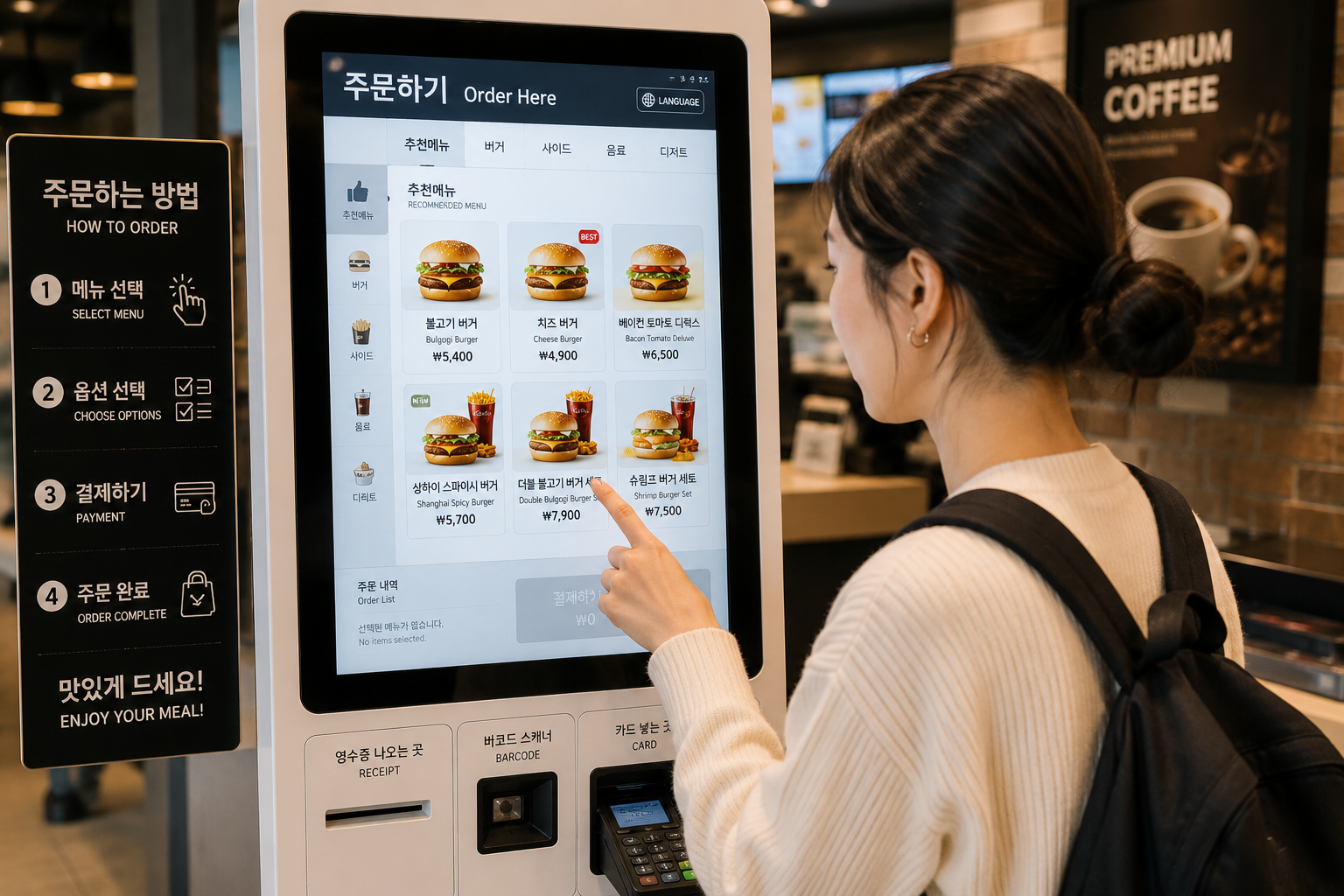
If you are visiting Korea for the first time, there is one thing you will probably encounter sooner than expected: kiosks.
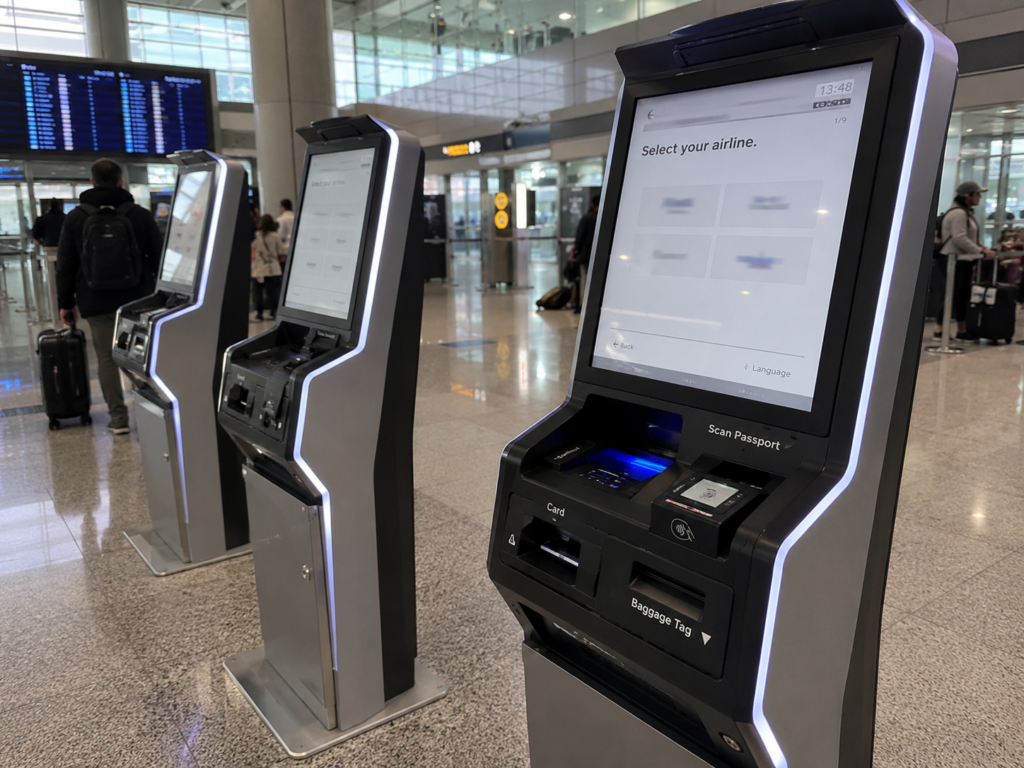
Restaurants, cafés, fast-food chains, cinemas, photo booths, transportation terminals, and even small local shops often use self-service kiosks for ordering and payment.
At first, this may seem easy. After all, kiosks are common in many countries.
But in Korea, foreign travelers sometimes run into unexpected problems: a credit card may be declined, the English menu may be incomplete, the screen may reset before you finish ordering, or the machine may ask for a Korean phone number.
Here are four common kiosk problems travelers may face in Korea — and what to do when they happen.
1. Your Foreign Credit Card Does Not Work
This is one of the most common problems travelers can face.
Credit cards are widely accepted throughout Korea, including major international cards such as Visa, Mastercard, and American Express. However, some smaller businesses or certain payment terminals may not accept every foreign-issued card.
What to do
Try paying at the counter.
If the kiosk rejects your card, look for a staffed counter and ask whether you can pay there instead.
You can say:
저기요, 여기서 결제해도 돼요?
(Jeogiyo, yeogiseo gyeoljehaedo dwaeyo?)
Excuse me, can I pay here?
If you are in a small local restaurant or neighborhood shop, Koreans often call the owner or person in charge:
사장님
Sajangnim
For example:
사장님, 결제가 안 돼요.
Sajangnim, gyeoljega an dwaeyo.
The payment isn’t working.
At a large café, franchise, or chain restaurant, 저기요 (jeogiyo) is usually a safer and more natural way to get a staff member’s attention.
Try another card if you have one.
Payment compatibility can vary between terminals, so another international card may work even when the first one does not.
Carry a small amount of Korean won.
Most places in Korea accept cards, but having some cash can still be useful at small businesses, traditional markets, or when a payment terminal causes problems.
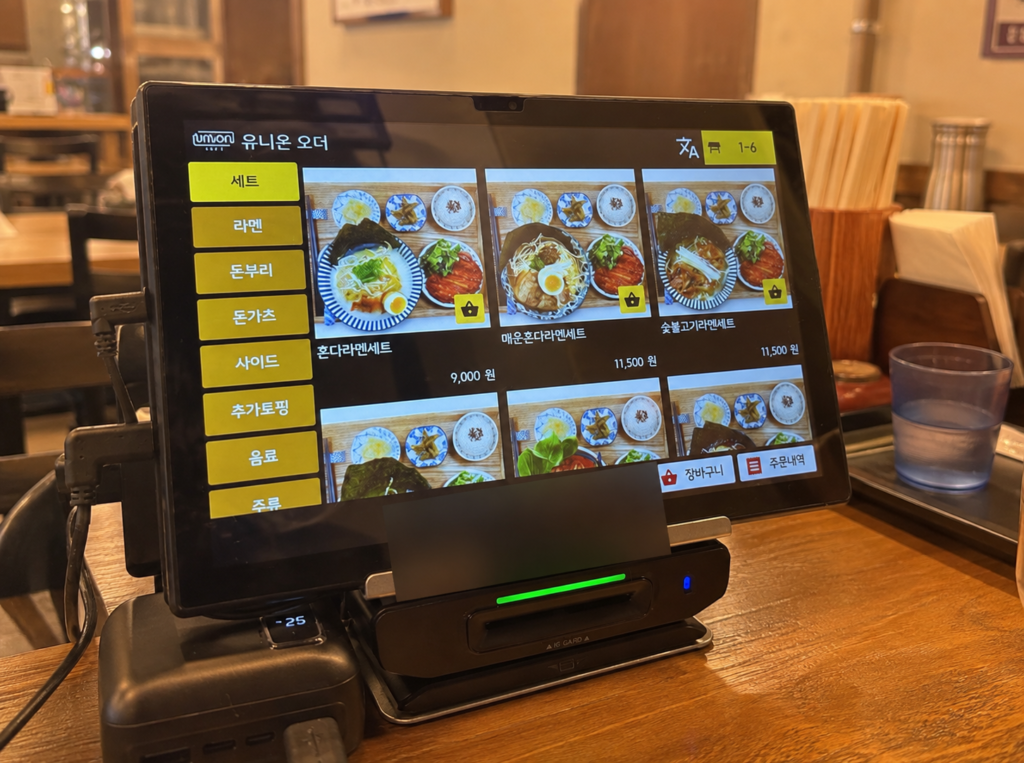
2. You Selected “English,” but Some Options Are Still in Korean
Many Korean kiosks have an English language button.
However, changing the language does not always translate everything.
The main menu may appear in English while detailed options — such as toppings, drink sizes, cooking preferences, point collection, or additional services — remain in Korean.
This can become especially confusing when several choices appear before payment.
What to do
Use your phone’s camera translation feature.
Google Translate and Naver Papago can both help translate Korean text from your camera or an image.
A simple travel habit can save a lot of stress:
Keep a translation app ready before you start using the kiosk.
3. There Are Too Many Steps — and the Screen Resets
Some Korean kiosks require several steps before you can finally pay.
A typical order might look like this:
Dine in or Takeout → Menu → Size → Options → Side Menu → Membership → Phone Number → Payment
If you spend too long deciding, some machines may return to the previous screen or reset the order.
This can be frustrating when you have already selected several items.
What to do
Decide what you want before standing at the kiosk.
Check the menu board first if one is available.
This is especially helpful at cafés, fast-food restaurants, and dessert shops where there may be many size and topping options.
Also look for buttons such as:
Skip
→ 건너뛰기
Next
→ 다음
No Thanks
→ 선택하지 않음 / 괜찮습니다
If the kiosk asks about membership points or other services you do not need, the Skip button is usually the fastest way to move on.
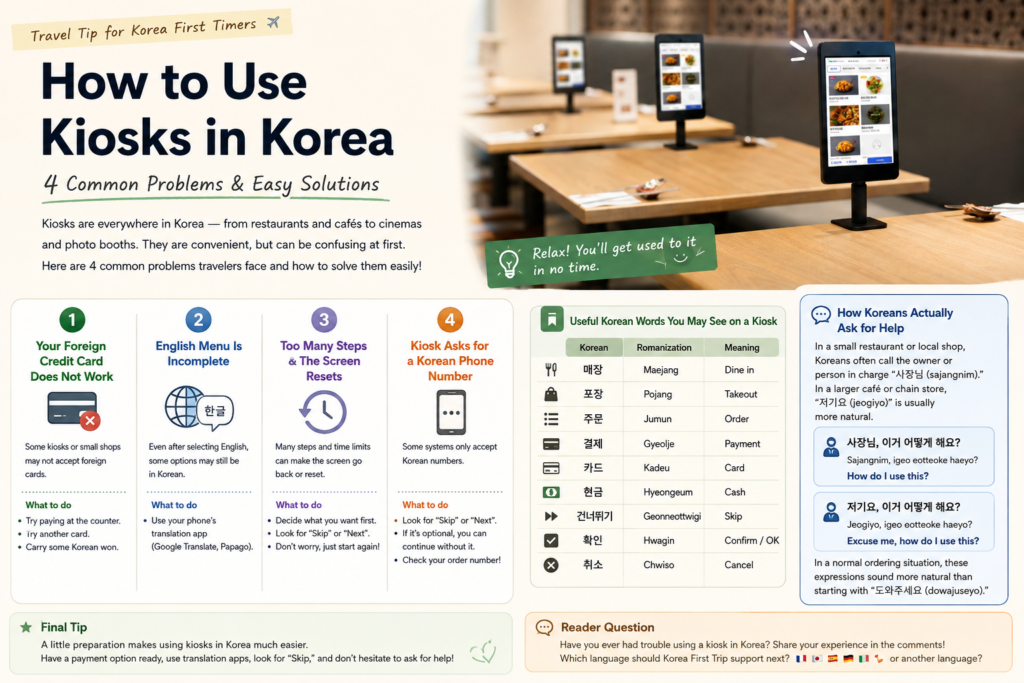
4. The Kiosk Asks for a Korean Phone Number
Some kiosks may ask you to enter a mobile phone number.
This may be used for membership points, digital receipts, waiting notifications, or order pickup alerts.
The problem is that some systems only accept Korean-format phone numbers.
If you are using a data-only eSIM or your overseas phone number, you may not be able to enter a valid number.
What to do
First, look for:
Skip
→ 건너뛰기
or
Next
→ 다음
If the phone number is optional, you can usually continue without entering one.
After completing your order, check your receipt or the kiosk screen for an order number.
Many restaurants call this number or display it on a screen when your food is ready.
Useful Korean Words You May See on a Kiosk
Learning just a few Korean words can make kiosks much easier to use.
매장
(Maejang)
Dine in
포장
(Pojang)
Takeout
주문
(Jumun)
Order
결제
(Gyeolje)
Payment
카드
Kadeu
Card
현금
Hyeongeum
Cash
건너뛰기
Geonneottwigi
Skip
확인
Hwagin
Confirm / OK
취소
Chwiso
Cancel
If You Get Stuck, Call Someone Naturally
If the kiosk stops working, your card is declined, or you simply cannot understand the next step, asking someone is usually the fastest solution.
In a small restaurant or local shop, you may hear Koreans say:
사장님, 이거 어떻게 해요?
Sajangnim, igeo eotteoke haeyo?
How do I use this?
In a larger café or chain store:
저기요, 이거 어떻게 해요?
Jeogiyo, igeo eotteoke haeyo?
Excuse me, how do I use this?
In a normal ordering situation, this sounds more natural than starting with a strong expression like 도와주세요 (dowajuseyo).
Final Tip for First-Time Travelers
Kiosks may feel confusing the first few times you use them in Korea, but they quickly become easier once you recognize the usual pattern.
Remember these four things:
- Have more than one payment option.
- Keep Google Translate or Papago ready.
- Look for Skip when unnecessary options appear.
- Ask a staff member naturally if you get stuck.
A small amount of preparation can turn an awkward ordering experience into something quick and easy.
And after using Korean kiosks a few times, you may find yourself ordering like a local before the end of your trip.
Travel smarter. Learn real Korea. Experience Korea like a local.
Reader Question
Was this guide helpful?
Have you ever had trouble using a kiosk in Korea? Share your experience in the comments — it may help another traveler too.
And if you’d like to see Korean phrases or pronunciation guides explained for speakers of your language, let me know where you’re from.
Which language should Korea First Trip support next? French, Japanese, Spanish, German, Italian — or another language?
Your comments help Korea First Trip create more useful guides for travelers around the world.