
Korea eSIM Guide 2026: What You Actually Need Before Your Trip
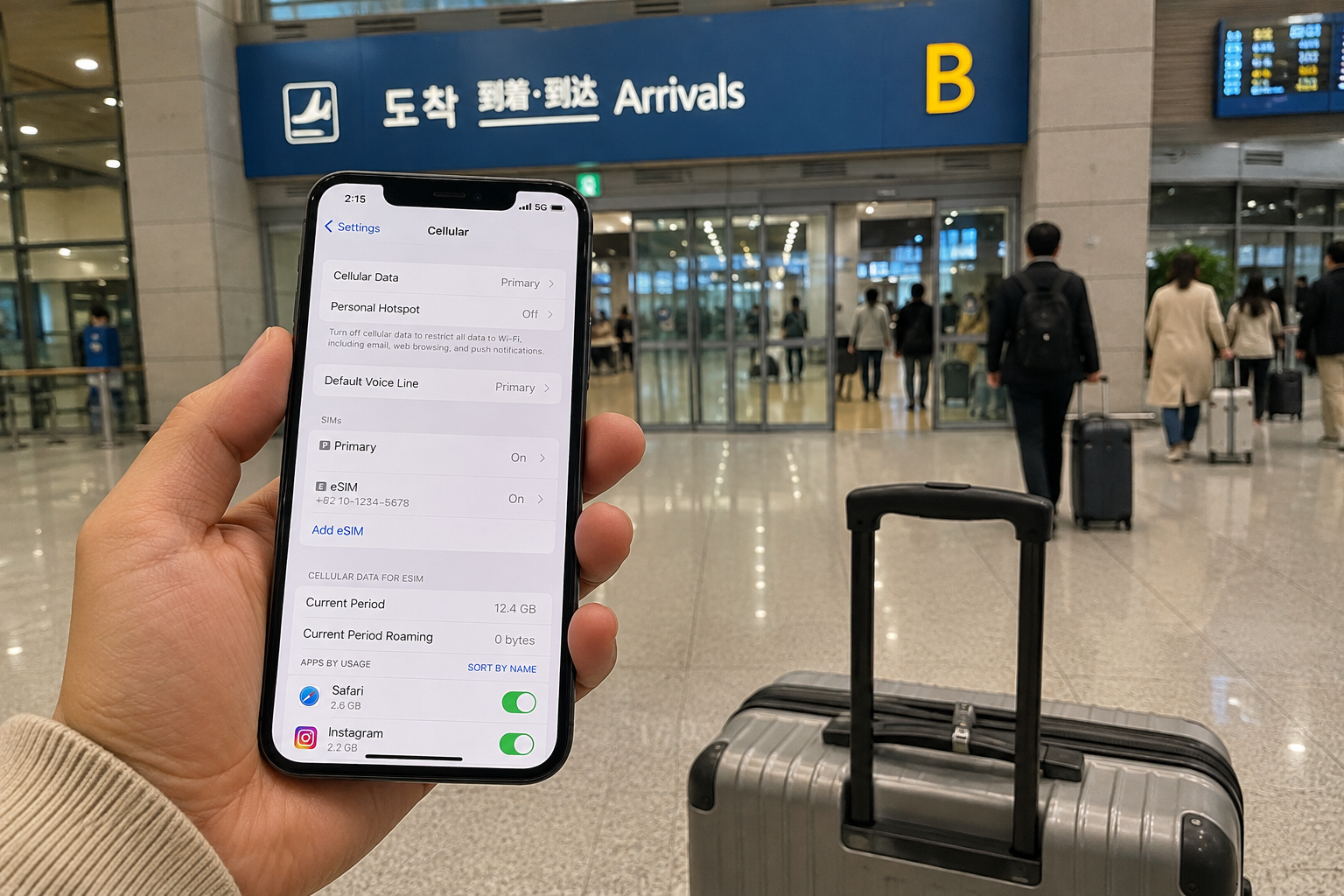
If you’re planning your first trip to Korea, you may already have eSIMs on your checklist. But with so many options — unlimited data, daily data, Korean phone numbers, travel eSIM brands and local carriers — it can be difficult to know what you actually need.
The good news is that mobile internet is one of the easier things to deal with in Korea. Korea has excellent mobile coverage, and in normal travel areas such as Seoul, Busan, Jeju, Gyeongju and most cities, staying connected is rarely a problem.
For most travelers, the bigger question isn’t “Will I get a signal?” It’s “Which eSIM should I buy without paying for things I don’t need?”
Quick Answer
If you’re mainly using Naver Map, translation apps, KakaoTalk, social media and web searches, a data-only eSIM is enough for many travelers.
If you need a Korean phone number for calls, texts or certain local services, choose an eSIM that specifically includes a Korean number.
You probably don’t need to choose an eSIM based on whether you’re visiting Seoul or Busan. For a normal trip around Korea, focus more on data allowance, trip length, whether you need a Korean number, and price.
I looked through the options available to travelers in 2026, including Korean carriers and travel eSIMs, and this guide focuses on the differences that are actually worth checking before you buy.
Do You Actually Need an eSIM in Korea?
You can get by without an eSIM in Korea. Hotels, cafés and airports usually have Wi-Fi, and you’ll find free Wi-Fi in plenty of other places too.
But I wouldn’t travel around Korea relying on Wi-Fi alone.
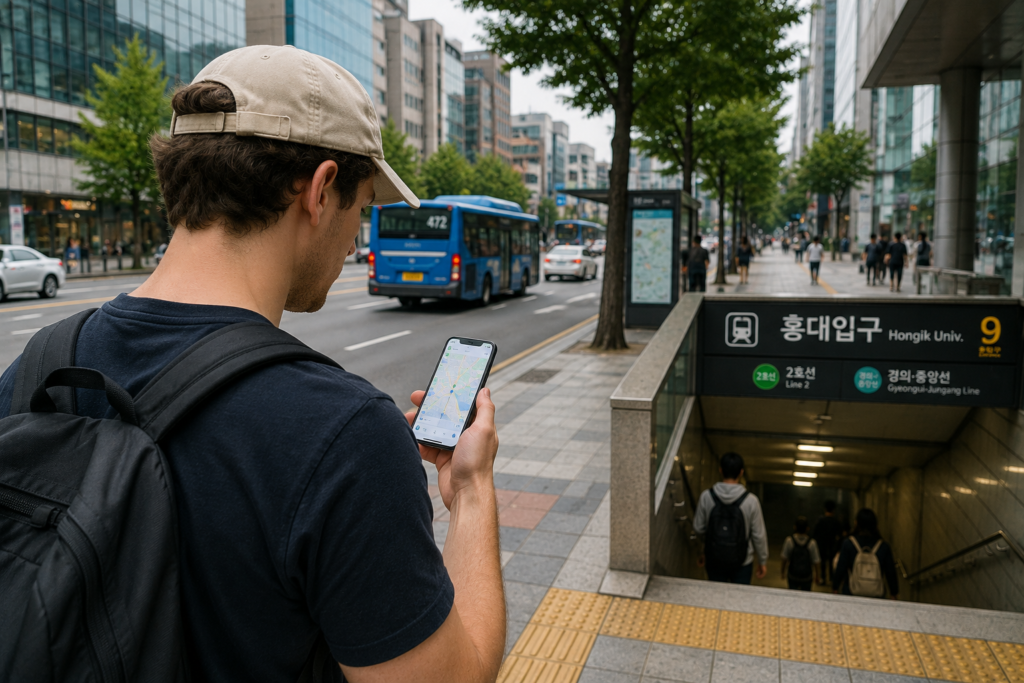
You’ll probably need internet most when you’re outside — checking Naver Map after coming out of a subway station, finding your hotel, translating a menu, or trying to call a taxi. That’s when having your own mobile data makes a real difference.
One thing you don’t need to worry too much about is coverage.
Mobile networks are very good across Korea. If you’re traveling around Seoul, Busan, Jeju, Gyeongju or other normal tourist areas, you’ll generally have no trouble getting online.
So I wouldn’t pay extra just because one eSIM sounds like it has “better coverage in Korea.” I’d look at the things that actually matter: how much data you get, how long it lasts, whether you need a Korean phone number, and how much it costs.
If it were my first trip to Korea, I’d set up an eSIM before arriving or at least before leaving the airport. You don’t necessarily need unlimited data. You just don’t want to be standing outside the airport looking for Wi-Fi when you’re trying to find your first train, bus or hotel.
Data-Only eSIM or a Korean Phone Number?
This is one of the first things I’d check before buying an eSIM for Korea. Some eSIMs give you mobile data only, while others also come with a Korean phone number.
| If you need… | I’d look for… |
|---|---|
| Naver Map, translation, messaging, social media | Data-only eSIM |
| Regular calls or texts in Korea | eSIM with a Korean number |
| Korean online identity verification | Don’t assume a tourist eSIM will work |
For a normal sightseeing trip, data-only is enough for many people. Naver Map, Papago, KakaoTalk, WhatsApp, email and most of the apps you’ll use while traveling work over mobile data.
A Korean phone number can still be useful. You may want one if you expect to make local calls, receive texts, contact a hotel or restaurant, or use a service that asks for a Korean number.
But there’s an important catch: having a Korean phone number does not automatically mean you can use Korean identity verification.
Korea uses phone-based identity verification for many local websites and services. A short-term tourist SIM or eSIM may give you a Korean number, but that doesn’t necessarily make it equivalent to a mobile account registered to a Korean resident or long-term foreign resident.
So if an eSIM says “Korean phone number included,” check what that number can actually do. Don’t pay extra for it just because you assume it will unlock every Korean app or online service.
If all you want is internet for maps, translation, messaging and everyday travel, I’d keep it simple and choose a good data plan instead.
SKT, KT or LG U+ — Which Korean Carrier Should You Choose?
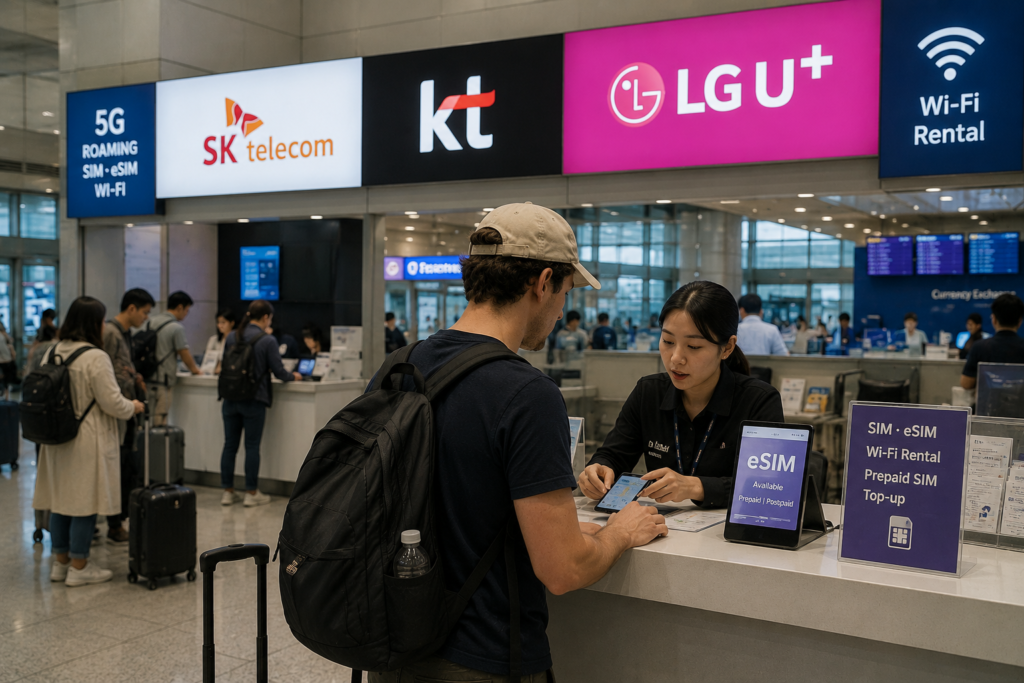
Korea has three major mobile carriers: SK Telecom, KT and LG U+. For a normal trip, I wouldn’t spend too much time worrying about which one has the strongest signal. All three are widely used across Korea.
| Carrier | Good for | Watch out for |
|---|---|---|
| SK Telecom | Simple unlimited-data plans and broad coverage | Check the speed limit and whether your plan includes calls or texts |
| KT | Travelers who prefer buying directly from a Korean carrier or using airport support | Compare the exact plan details before buying — eSIM and SIM options can differ |
| LG U+ | Travelers who want data plus extras such as a Korean number, T-Money or transport bundles | Some voice or number-related features may require passport verification at an airport counter |
SK Telecom
SKT is the largest mobile carrier in Korea and is an easy choice if you simply want reliable data without thinking too much about it.
Its tourist eSIM products include unlimited-data options. One thing I’d check carefully is the speed condition. “Unlimited” doesn’t always mean unlimited full-speed data forever, so read the plan details before paying.
Best for: travelers who want a straightforward Korean-carrier eSIM and don’t need many extra features.
KT
KT is another major Korean carrier, and its tourist service is easy to find at Korea’s major airports. If something goes wrong with your SIM or eSIM after arrival, having an official airport counter can be reassuring.
I wouldn’t choose KT just because I thought it would work better in one city than another. I’d compare the actual plan — price, data, duration and whether calls or texts are included.
Best for: travelers who like having official carrier support available after landing.
LG U+
LG U+ is worth looking at if you want more than just mobile data. Some of its tourist products combine unlimited data with things such as a Korean 010 number, a T-Money card or even transportation and prepaid-card functions.
The downside is that the more features a plan includes, the more carefully you need to read the conditions. For example, some voice services require passport verification at an airport counter before you can use them.
Best for: travelers who want data and other Korea travel services bundled together.
If I were choosing between the three, I would compare the plan first and the carrier second.
For most visitors, the difference between a good plan and the wrong plan matters more than the difference between SKT, KT and LG U+.
Do You Really Need Unlimited Data in Korea?
Unlimited data sounds like the safest choice, but not everyone needs it.
If you’re mostly using Naver Map, Papago, messaging apps, checking restaurants and doing normal web searches, you may use much less data than you expect.
| How you travel | What I’d consider |
|---|---|
| Maps, translation, messaging, light browsing | A smaller data plan may be enough |
| Maps + social media + frequent photo uploads | A larger daily or total-data plan |
| Lots of video, livestreaming or hotspot use | Unlimited or high-data plan |
There’s one thing I’d check before buying any plan advertised as “unlimited.” Read what happens after you’ve used a certain amount of high-speed data.
Some plans continue working but reduce your speed after a daily or total high-speed allowance is used. That can still be perfectly fine for maps and messaging, but it’s different from having full-speed data all day.
“Unlimited” and “unlimited at full speed” are not always the same thing.
I’d also check the hotspot or tethering rules if you’re planning to connect a laptop, tablet or another person’s phone. Don’t assume that unlimited data on your phone automatically means unlimited hotspot use.
Personally, I’d rather buy enough data for the way I’m actually going to use my phone than pay extra just because the word “unlimited” sounds safer.
Before You Buy: eSIM Problems That Can Catch Travelers Out
Buying an eSIM is usually simple, but a few small details can turn into a headache after you land. These are the things I’d check before paying.
1. Your phone may support eSIM — but still be carrier locked
Having an eSIM-compatible phone doesn’t automatically mean you can use any eSIM. If your phone is locked to your home carrier, a Korean or travel eSIM may not work.
Check that your phone supports eSIM and is carrier unlocked before you buy.
2. Don’t activate it too early
You can often install an eSIM before flying to Korea, which is convenient. But installation and activation are not always the same thing.
Some plans start when the eSIM first connects to a supported network, while others may follow different activation rules.
Install it before your trip if the provider allows it — but check exactly when your plan starts counting.
3. Data roaming may need to be turned on
This sounds strange because you’re trying to avoid expensive international roaming, but some travel eSIMs require Data Roaming to be switched on for the eSIM line.
Make sure you’re changing the setting for the travel eSIM, not accidentally using roaming data from your normal home SIM.
4. “Korean number included” doesn’t mean everything will work
As mentioned earlier, a tourist eSIM can come with a Korean phone number without giving you full access to Korea’s phone-based identity verification system.
A Korean phone number and Korean identity verification are two different things.
If you specifically need a number for calls, texts, restaurant contact or another service, check what the number can actually be used for before paying extra.
5. Check which network you’re actually using
Not every travel eSIM works exactly like buying directly from SKT, KT or LG U+. Some international eSIM products connect through roaming arrangements even though you’re using them in Korea.
That doesn’t automatically make them bad. Many work perfectly well for normal travel. But if two products cost about the same, I’d check the local network, speed policy and routing details instead of choosing only by brand name.
6. Keep the QR code and setup instructions
Don’t delete the purchase email as soon as the eSIM is installed. Keep the QR code, order number and setup instructions somewhere you can access offline.
If something doesn’t connect after landing, having those details available makes troubleshooting much easier — especially before you’ve got working internet.
The best time to solve an eSIM problem is before you arrive in Korea, not while you’re standing at the airport with no internet.
Buy Before Your Trip or Directly from a Korean Carrier?
There are two easy ways to get an eSIM for Korea: buy one online before your trip, or buy directly from SKT, KT or LG U+.
Neither is automatically better. I think the easier choice depends on what you want from the eSIM.
| If you want… | I’d check first |
|---|---|
| Buy before flying and set everything up in advance | Online travel eSIM |
| Compare plans and buy before your trip | Trip.com |
| Need a Korean phone number and SMS | Check a plan that specifically includes them |
| Want help after landing | Official SKT, KT or LG U+ airport counter |
Buying before you fly
For a first trip, I can see why many people prefer buying before they leave home. You can compare plans, pay in advance and receive the setup information before you arrive in Korea.
Trip.com currently lists several Korea eSIM options, so it’s an easy place to compare plans without visiting each Korean carrier website separately.
If you only need mobile data for maps, translation, messaging and normal travel use, I’d start by looking at a simple data eSIM rather than paying for features you may never use.
Affiliate link — I may earn a commission if you book through this link, at no extra cost to you.
If you need a Korean phone number
This is where you need to look more carefully. A normal data-only eSIM doesn’t automatically give you a Korean phone number.
If you need a local number for calls or text messages, choose a plan that clearly states those features are included. For example, Trip.com currently lists an SKT tourist eSIM with a Korean phone number and SMS support.
Affiliate link — plan details and availability can change, so check the current conditions before booking.
A Korean phone number can be useful for calls and texts, but don’t buy one expecting it to automatically unlock every Korean identity-verification service.
Buying directly from SKT, KT or LG U+
Buying directly from a Korean carrier is also a good option, especially if you prefer official carrier support or want someone to help you after you arrive.
Airport counters can be useful if you need help with setup, passport verification or a SIM-related problem.
But if you’ve already bought and installed a suitable eSIM before the flight, there’s usually no reason to spend your first hour in Korea waiting at a telecom counter just because it’s there.
If everything can be set up before the flight, I’d rather land with internet already ready to use.
That means you can turn on your phone after landing and immediately check airport transport, Naver Map or your messages without having to buy mobile service first.
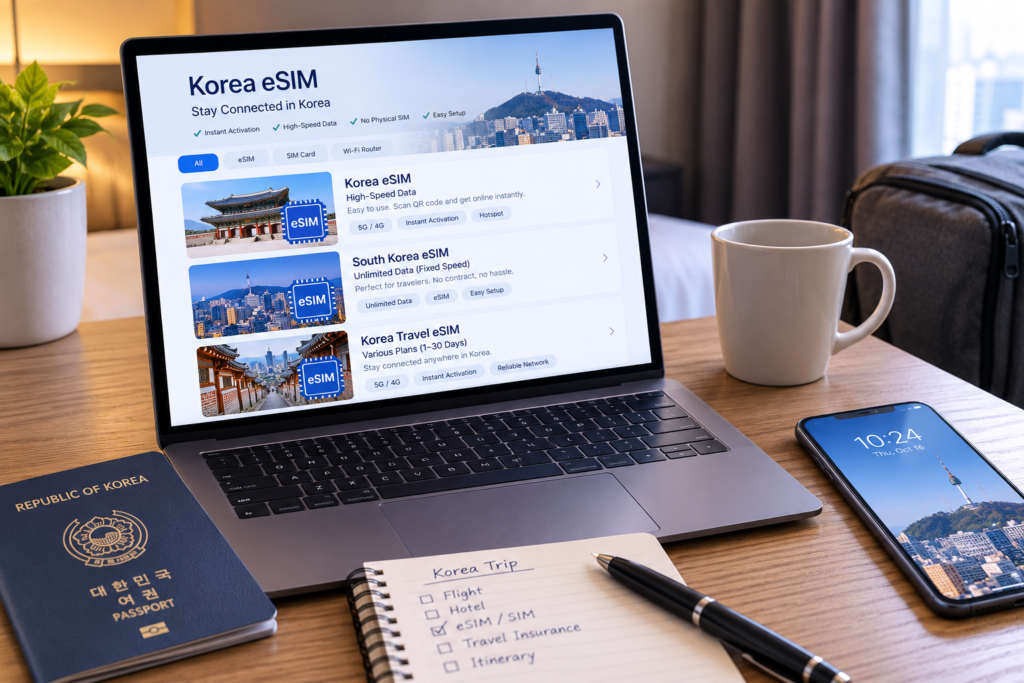
Which eSIM Would I Choose for Korea?
After comparing the options, I wouldn’t try to find one “best” eSIM for everyone. I’d choose based on how I’m actually going to use my phone in Korea.
| Traveler | What I’d choose |
|---|---|
| Just need maps, translation and messaging | Simple data-only eSIM |
| Use lots of social media, video or hotspot | High-data or unlimited plan |
| Need a Korean phone number | SKT or another plan that clearly includes a 010 number |
| Want internet and a transport card together | LG U+ eSIM or SIM + T-money bundle |
For most first-time travelers
I’d probably start with a simple data-only eSIM. If I can use Naver Map, Papago, messaging apps and the web from the moment I land, that’s enough for most of a normal trip.
Trip.com currently has several South Korea eSIM plans with different daily and total-data options, including plans using Korean networks such as SKT and LG U+.
If you need a Korean phone number
I’d be more careful here. Look for a product that clearly states that a Korean phone number is included rather than assuming every Korean eSIM comes with one.
For example, there are currently SKT-based products that include a Korean number, calls and texts. But as mentioned earlier, having a 010 number still doesn’t guarantee that every Korean identity-verification service will work.
If you prefer booking through Viator
Viator also lists South Korea connectivity products, including eSIM data plans and SKT SIM cards. This can be useful if you already use Viator for tours and want to keep more of your Korea bookings in one account.
I wouldn’t pay for the biggest plan automatically. I’d buy the cheapest plan that comfortably covers the way I actually use my phone.
When Should You Install Your Korea eSIM?
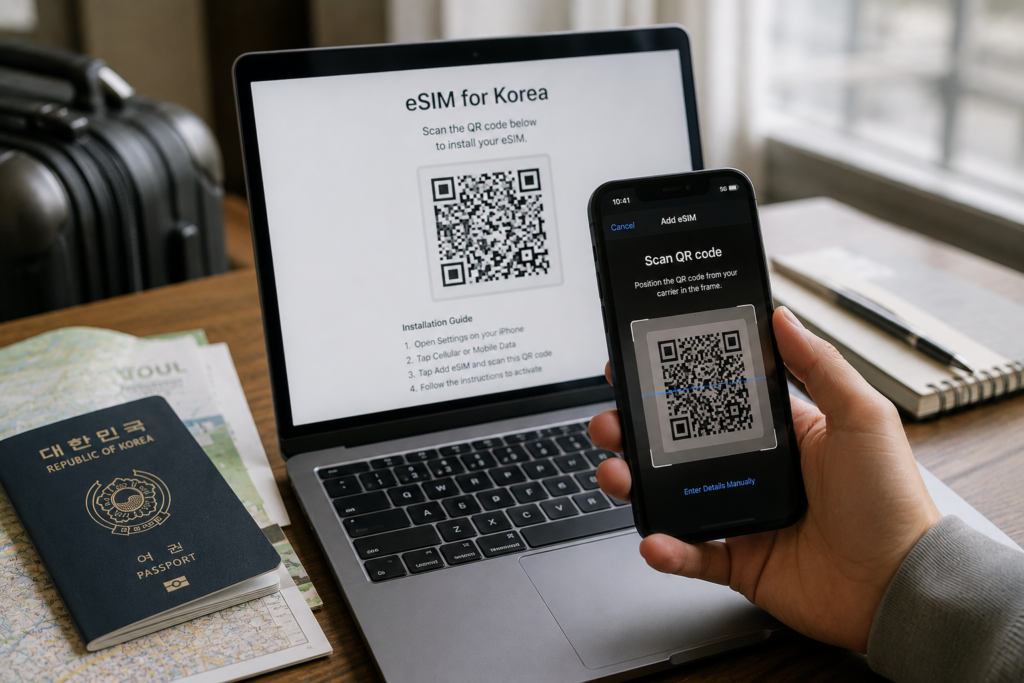
If your eSIM provider allows installation before activation, I would set it up at home while I still have reliable Wi-Fi.
That doesn’t necessarily mean your data plan starts immediately. The important thing is to check the provider’s activation rule before installing it.
Don’t wait until you land in Korea to read the installation instructions for the first time.
Before you fly
First, make sure your phone supports eSIM and is carrier unlocked. Then save the QR code and setup instructions somewhere you can access even if you don’t have internet.
If the provider says you can install the eSIM in advance without starting the plan, do it while you’re still at home on Wi-Fi.
After you land in Korea
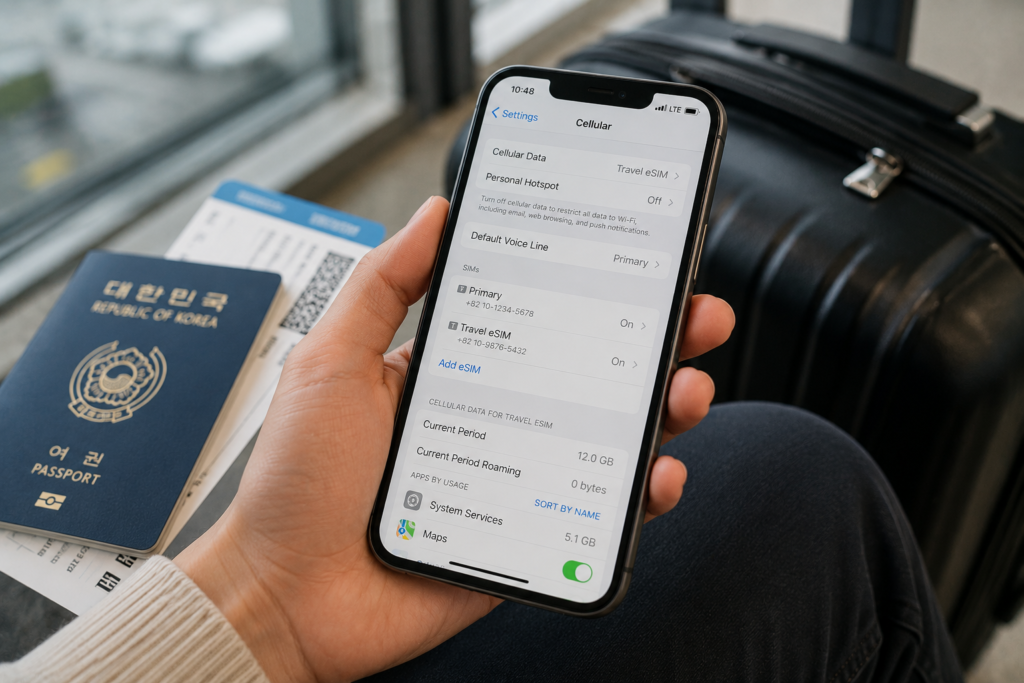
Once you arrive, select the new eSIM as your mobile data line. If the provider’s instructions require Data Roaming for that eSIM, turn it on.
At the same time, check your home SIM carefully. If you don’t need roaming from your normal carrier, make sure your phone isn’t accidentally using that SIM for mobile data.
Your Korea eSIM may need Data Roaming ON. Your home SIM usually should not be using roaming data.
If the internet doesn’t work
Don’t start changing every setting at once. First check that the correct eSIM is selected for mobile data, then check Data Roaming and follow the APN or network instructions provided with your eSIM.
If it still doesn’t connect, restart the phone and check the provider’s setup guide before deleting the eSIM.
Don’t delete an eSIM just because it doesn’t connect immediately. Some eSIM profiles may not be easy to reinstall without contacting the provider or receiving a new setup code.
Once your phone is connected, the next thing you’ll probably need is getting into Seoul. If you’re heading to Myeongdong, see my Incheon Airport to Myeongdong guide for the easiest transport options.
So, What eSIM Should You Buy for Korea?
For most people visiting Korea, choosing an eSIM doesn’t need to be complicated.
Korea already has strong mobile networks. The important part is choosing a plan that matches how you’ll actually use your phone.
For a normal sightseeing trip
If you mainly need Naver Map, Papago, messaging, restaurant searches and social media, I’d choose a reasonably priced data-only eSIM with enough data for the length of the trip.
For many travelers, that’s all you really need.
If you use a lot of data
If you’re constantly watching video, uploading content, making video calls or using your phone as a hotspot, I’d look at a high-data or unlimited plan.
Just check the speed and tethering conditions before paying extra for “unlimited.” The word itself doesn’t tell you whether full-speed data continues for the entire plan.
If you need a Korean phone number
Choose a tourist eSIM that clearly says a Korean phone number, calls or texts are included. Don’t assume a normal data-only eSIM gives you a local number.
And remember that even a Korean 010 number may not give a short-term visitor access to every phone-based identity verification service in Korea.
A Korean phone number can be useful for calls and texts, but it doesn’t automatically mean every Korean identity-verification service will work.
My simple choice for a first trip
If I were visiting Korea for the first time and didn’t specifically need a Korean phone number, I’d keep it simple and buy a data eSIM before the trip.
I’d make sure it was installed correctly, check that Naver Map and my messaging apps worked after landing, and then get on with the trip.
For a first trip to Korea, the best eSIM is usually the one you can set up easily, understand clearly, and forget about once you’re connected.